VEND101

How it works · Business

Sell at a discount. Get paid instantly.

List products or services at a clear discount versus full retail. When Buyers pre-buy, you receive payment right away—before anything sells on the shelf.

Your path on VEND101

Discount offer → Instant pre-buy payment → Dispatch → Retail sell-through

Businesses take discounted pre-buy payment up front. Buyers fund stock and earn when it sells at retail. Vending Channels sell at full price and share the profit.

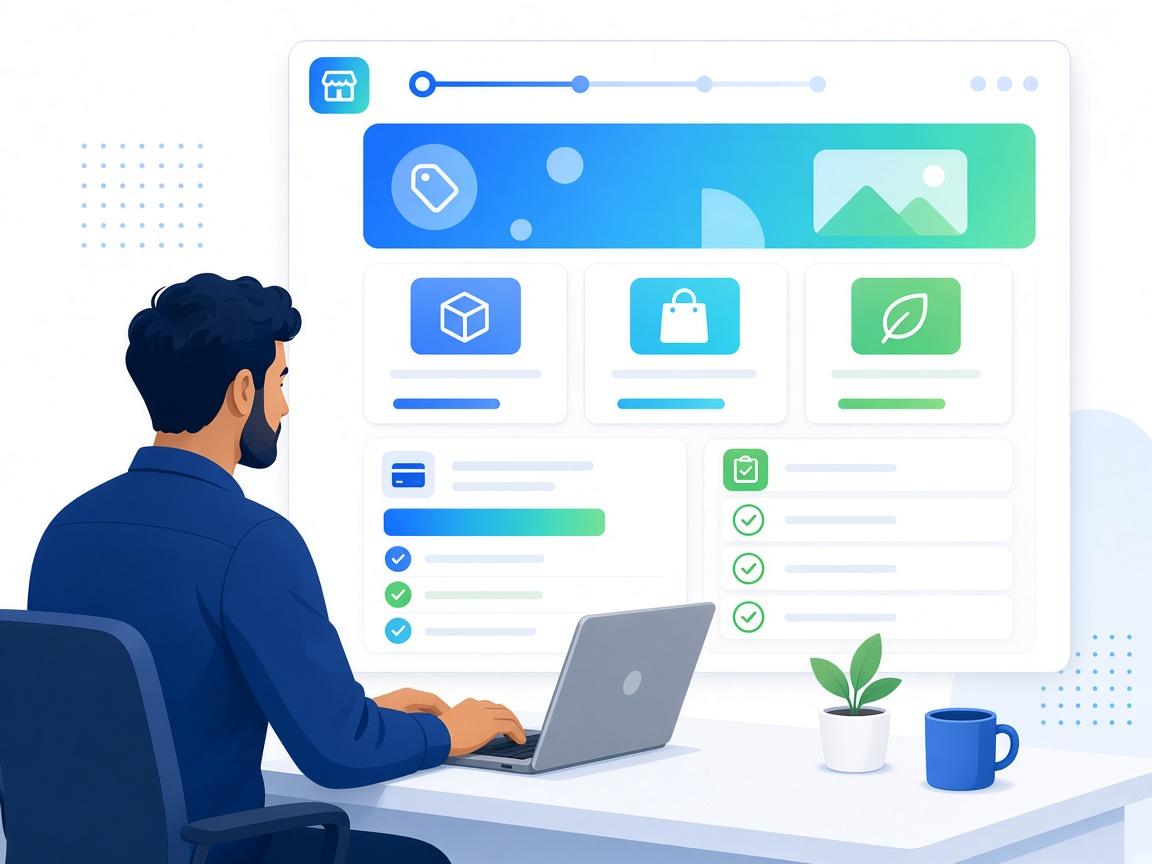
Business publishing a discounted product or service Opportunity

Step 01

Offer discounted products or services

Show full retail reference price and your Pre-Buy discount in one Opportunity.

  • →Set SKUs or service units, Pre-Buy (discounted) price, and published retail price.
  • →Buyers see the margin between discount and retail before they commit.
  • →Add photos, video, Terms PDF, and verification when your plan requires it.
  • →Share one link—Discover, WhatsApp, email, or partners.

A commercial offer: discounted today, retail upside for Buyers and Channels.

Step 02

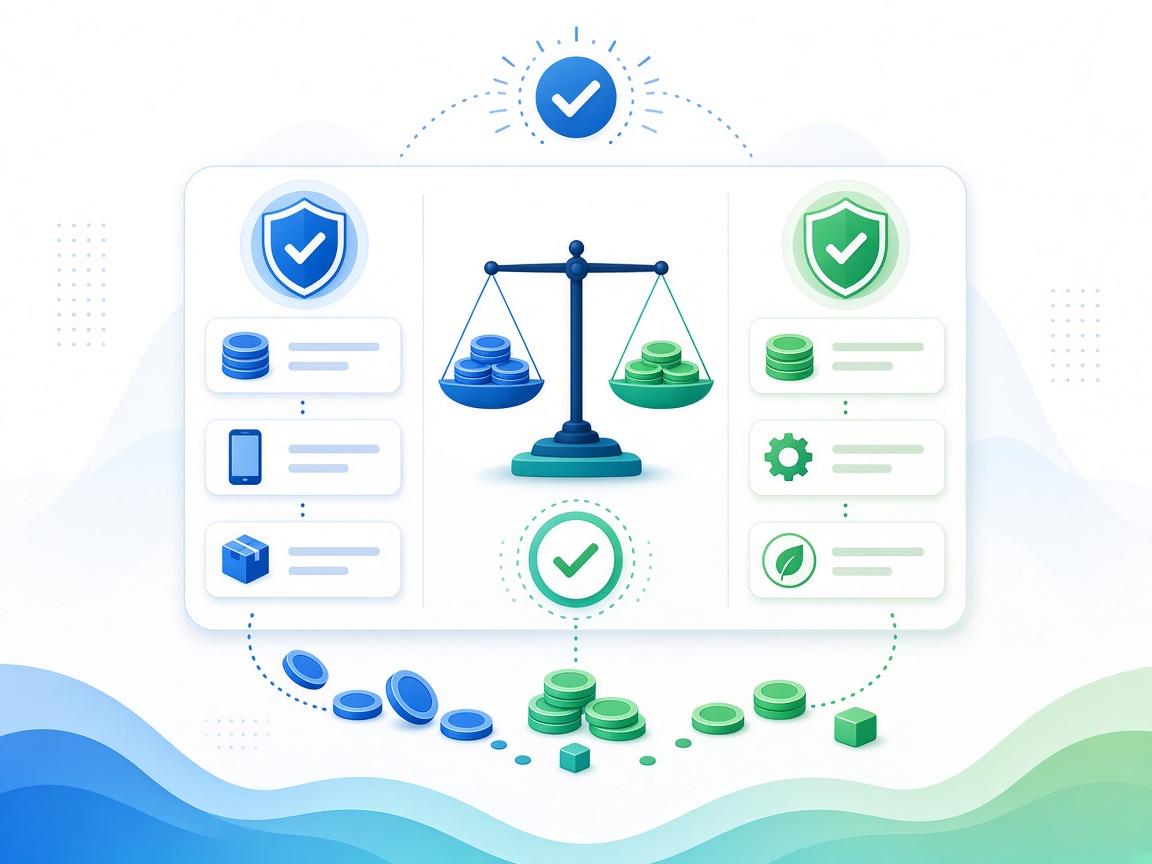
Get paid when Buyers pre-buy

Payment lands when inventory is purchased—not when retail sales happen.

  • →Purchase Requests appear in your Business portal.
  • →Approve manually or auto-verify per Stripe/bank rules.
  • →Funds from pre-buys are yours at the discounted price you set.
  • →Every unit is tied to a Buyer on the ledger—no informal IOUs.

Instant cash from discounted sales; you are not waiting on shelf sell-through.

Business receiving instant payment from Buyer pre-buys

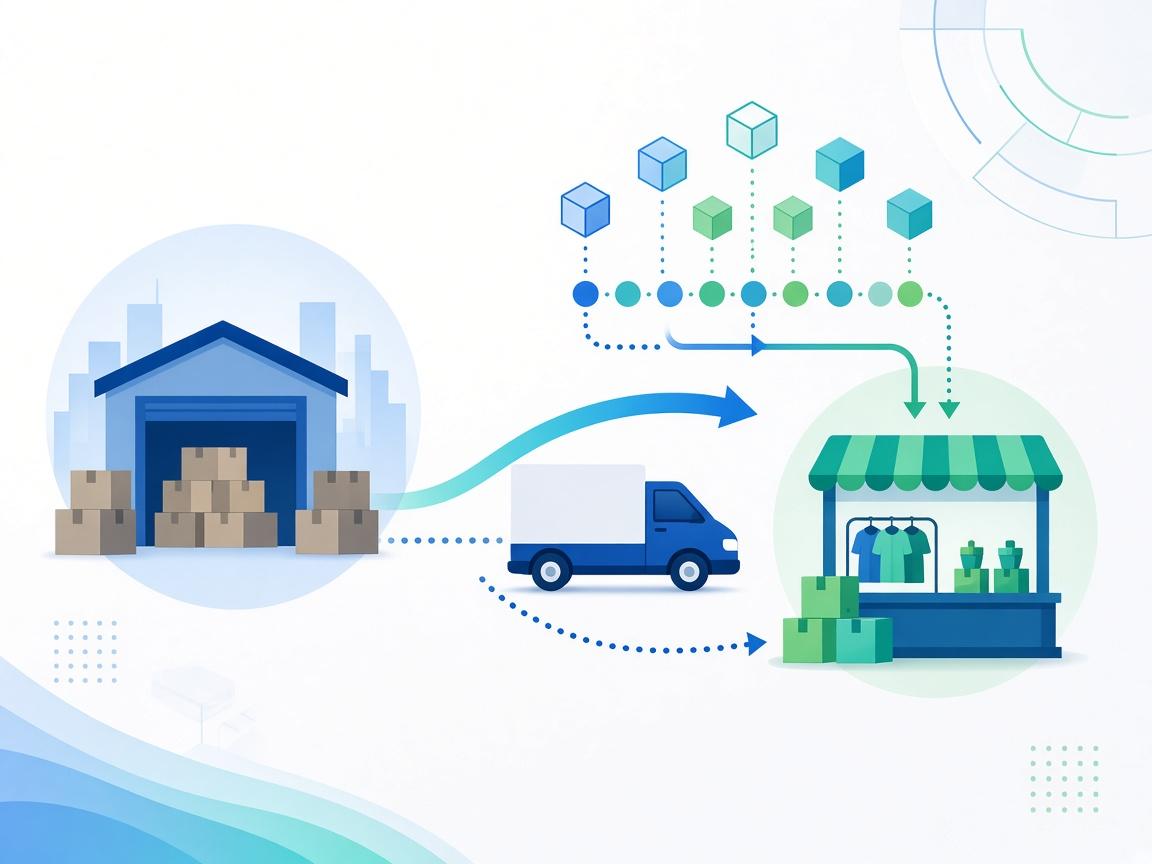
Dispatching discounted inventory to a Vending Channel for retail sale

Step 03

Send stock to a Vending Channel

Physical goods move to the Channel that will sell at full retail.

  • →Assign Buyer-owned lots to your preferred or eligible Vending Channel.
  • →Track allocated → received → available for sale.
  • →Services or digital offers follow the same Opportunity terms without dispatch.
  • →Receipt and handoff events stay on the same ledger as pre-buys.

Retail-ready stock in a named Channel—Buyers’ upside happens at the register.


Step 04

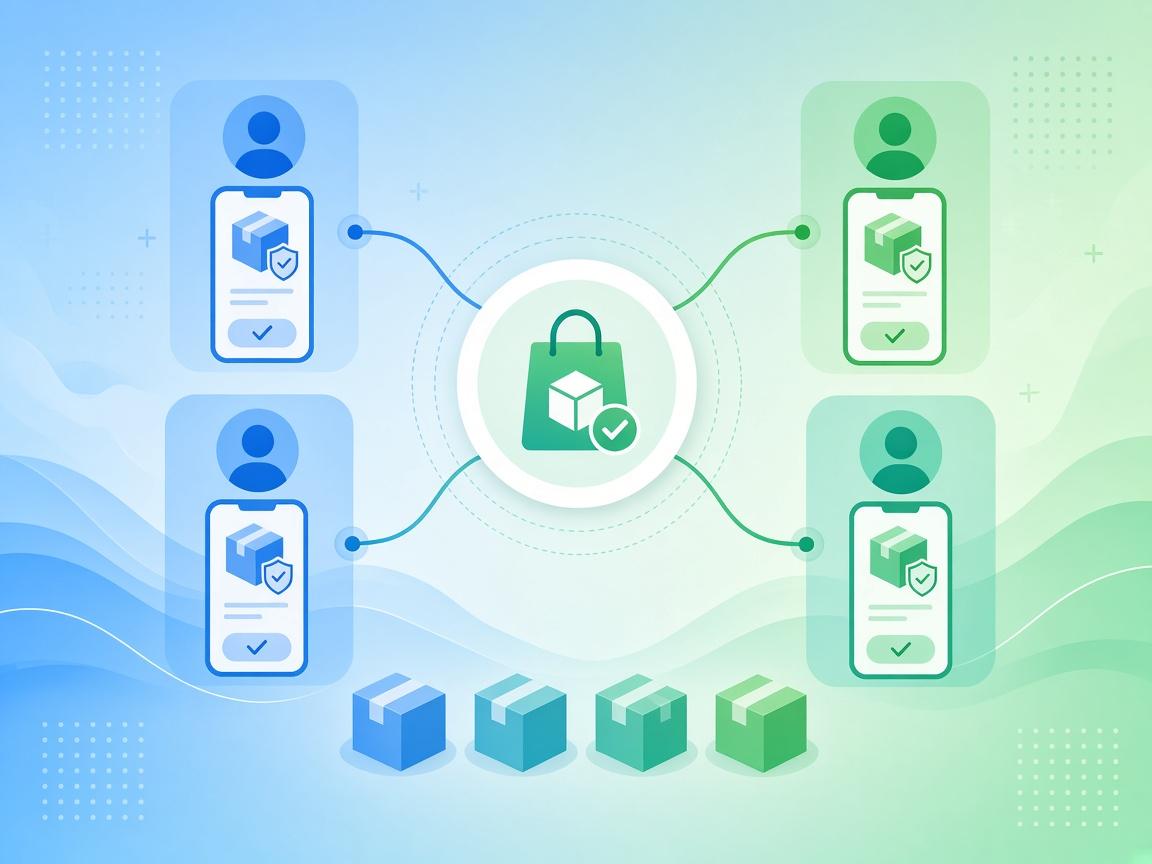
Watch retail sales & reconciliation

You already got paid; the platform tracks who earns profit at retail.

  • →Each POS sale at full retail is a Verified Vend on the right lot.
  • →See sold, remaining, returns, and wastage in your dashboard.
  • →Profit above your discount price flows to Buyers and Channels per terms.
  • →Completed cycles build your VEND101 commercial history.

One record: instant discount revenue for you, retail profit shared downstream.

Business viewing retail sell-through and profit sharing after instant payment