VEND101

How it works · Buyer

Buy discounted stock. Earn when it sells at retail.

Pay the Pre-Buy price below full retail, send inventory to a Vending Channel, and collect your share of profit as each unit sells at the shelf price.

Your path on VEND101

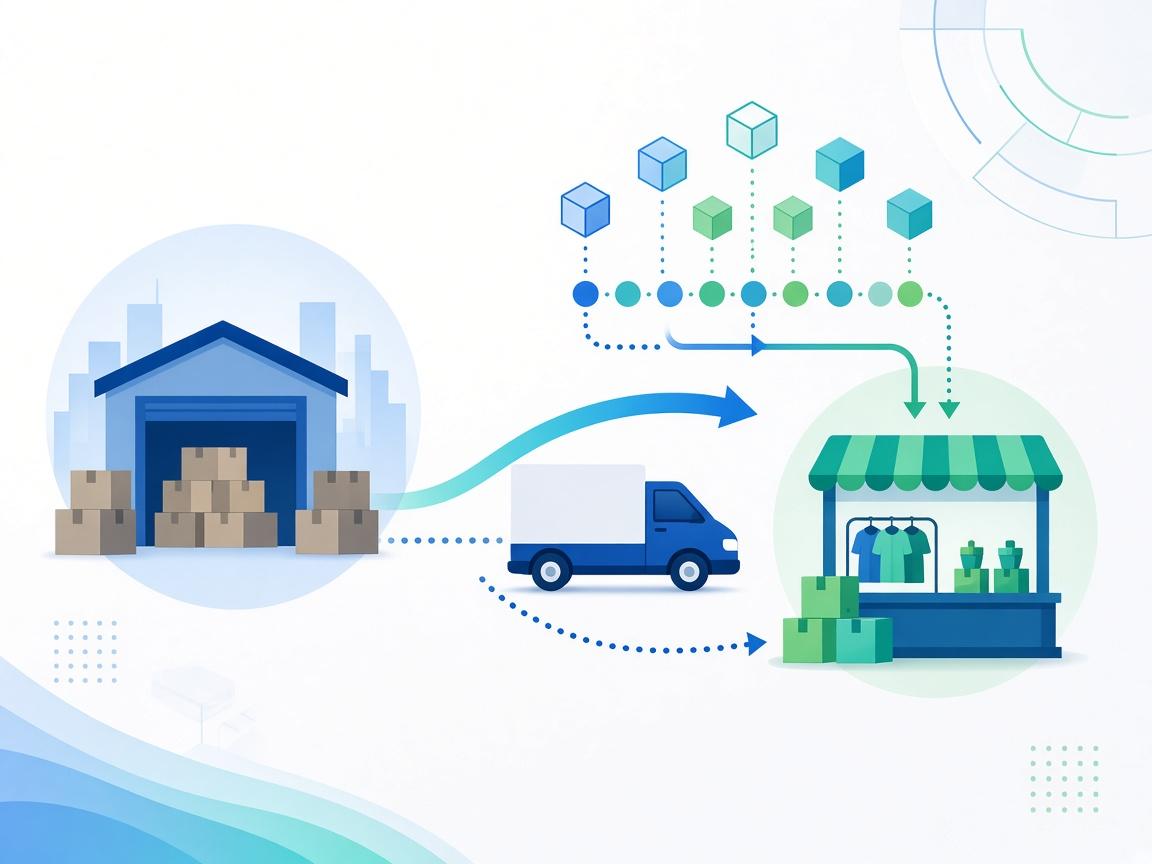
Buy at discount → Send to Channel → Retail sales → Your profit

You buy below retail and earn on the spread. The Business was paid instantly at the discount. The Channel sells at shelf price and everyone reconciles on one ledger.

Buyer comparing discounted Pre-Buy price to full retail on an Opportunity

Step 01

Pick an Opportunity with clear upside

Compare your Pre-Buy price to the published full retail price.

  • →Browse Discover or open a shared Opportunity link.
  • →See discount, minimum buy, Channel, and estimated sell-through window.
  • →Review photos, video, Terms PDF, and risk disclosures.
  • →Your profit potential is retail minus what you pay today.

You know the margin before you pay—not a guess after the fact.

Step 02

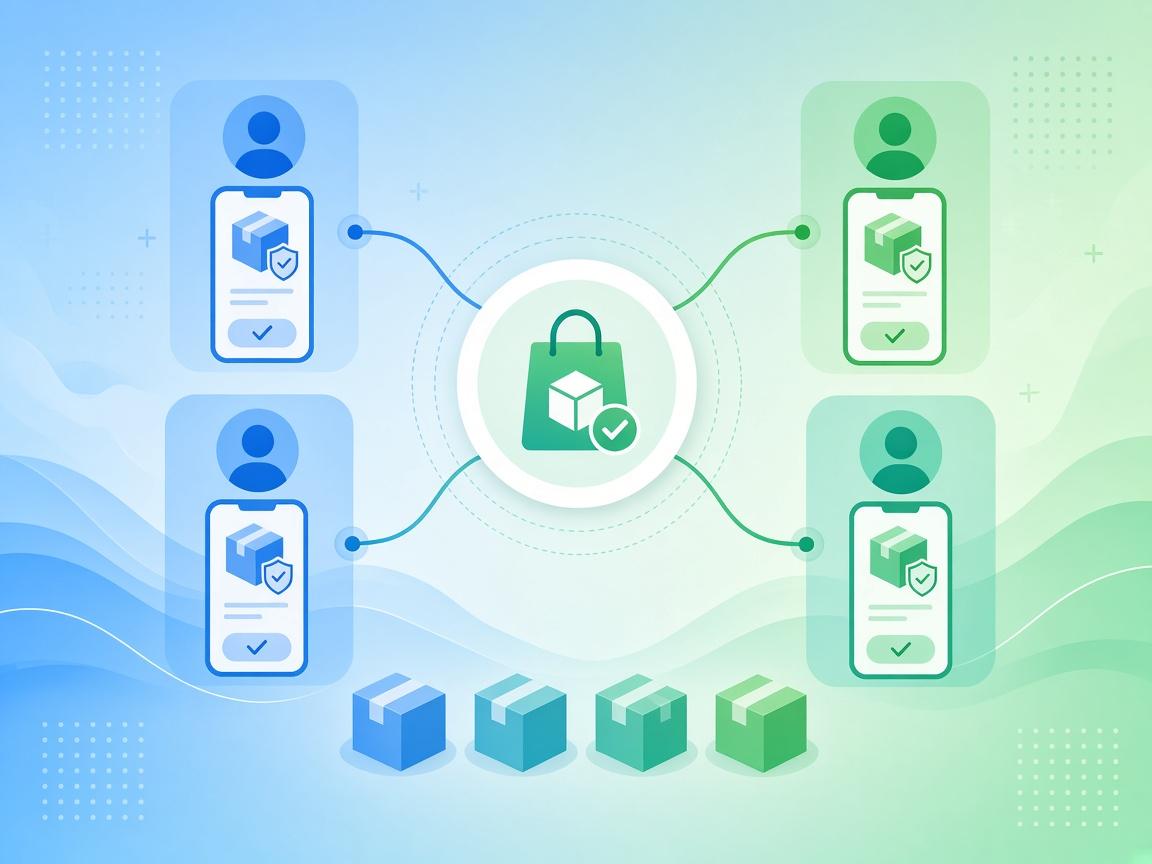
Buy discounted stock or units

Pay the Pre-Buy price; the Business is paid instantly—you own the upside.

  • →Submit a Purchase Request for the quantity you want.
  • →Complete payment per verification settings (manual, bank, or Stripe).
  • →Your purchase is recorded as inventory you own under the Opportunity.
  • →The Business receives funds at the discount; you keep the retail spread.

Discounted entry today; profit when retail sales happen.

Buyer pre-buying discounted inventory on VEND101

Buyer sending pre-bought stock to a Vending Channel

Step 03

Send inventory to a Vending Channel

Your stock is placed where it will sell at full retail price.

  • →Use the Business preferred Channel or an eligible alternative when allowed.
  • →Allocation and receipt are tracked—you see status in your Buyer portal.
  • →You are not running the store; the Channel handles retail checkout.
  • →Returns and perishability rules follow the Opportunity terms.

Your units are on the shelf at retail, tied to you on the ledger.


Step 04

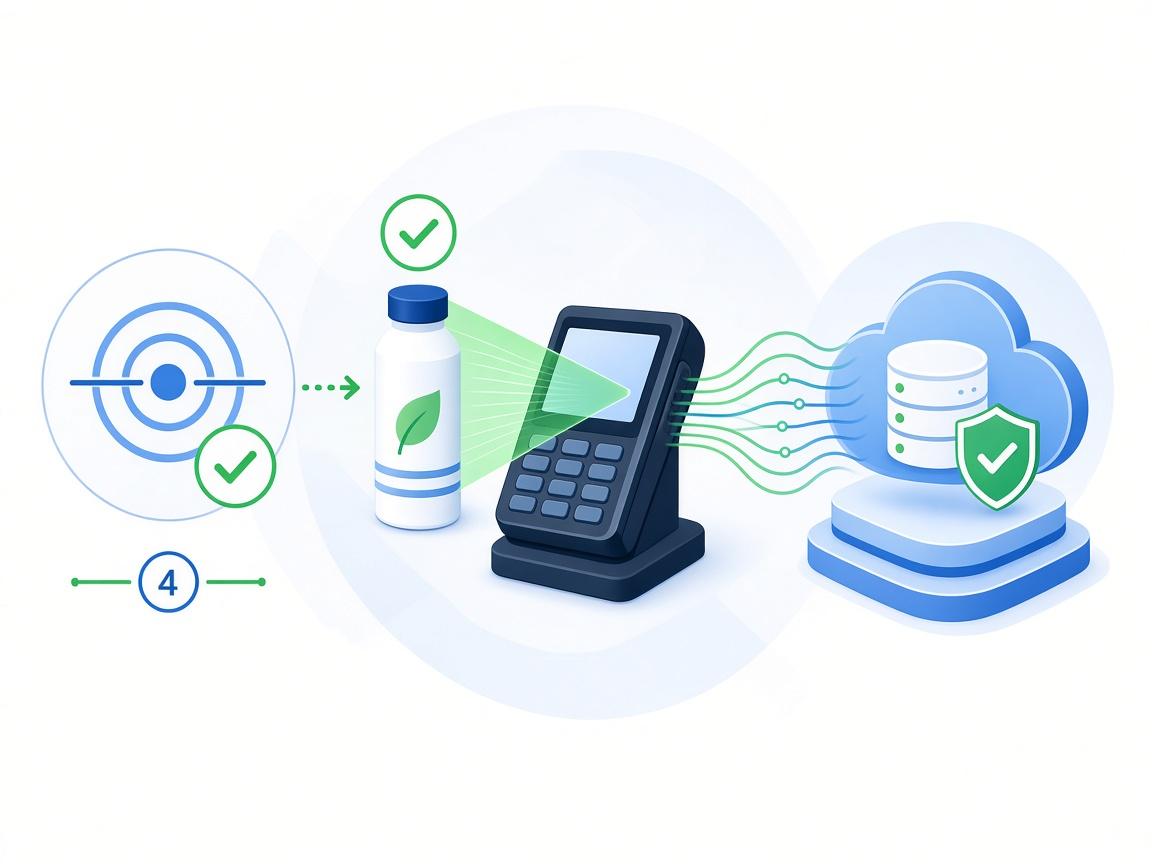
Collect profit on verified retail sales

Each full-price POS sale triggers your share of the margin.

  • →Verified Vends at retail price—not self-reported cash totals.
  • →Profit = retail sale minus your Pre-Buy cost, split per published terms.
  • →Unsold or returned stock is visible where the Opportunity allows.
  • →History and payouts stay in your Buyer portal for every lot.

You earn when stock sells at full retail—not when you merely pre-buy.

Buyer earning profit from verified full retail sales